In this command we have the possibility to define a set of properties which can subsequently be assigned to the different work elements, whether horizontal alignments, surfaces, etc.
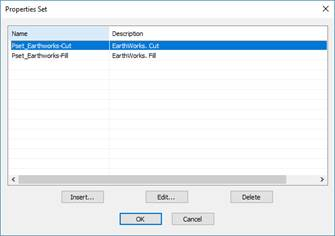
When you do that, the following window will appear with the various defined sets of properties.
Edit: Allows us to edit an already defined set of properties and, in turn, modify any of its properties.
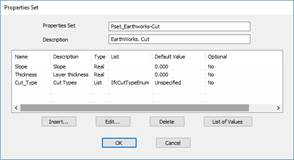
In this window you can see the various properties assigned to the set of properties, in this case to “Pset Alignment”.
Description: Detail that describes the purpose of the properties to be defined.
In the list of properties, we have the following options:
Insert: Allows us to insert a new property.
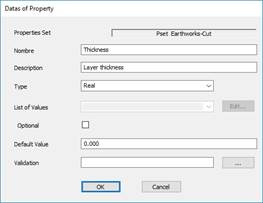
Edit: Allows us to edit one of the designated properties for later modification.
Delete: Deletes the selected property.
List of Values: Definition of the possible list of values that can be assigned to a property.
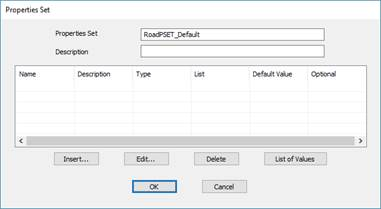
Insert: Insertion of a new set of properties, the following window will appear, in which the various properties associated with the set of properties to be defined will be progressively introduced.

 TcpMDT - Help