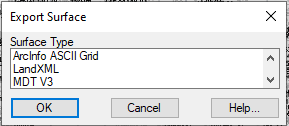
LandXML format surfaces are exported using the MDT > Surfaces > Export surface command.
Different Surface Export formats
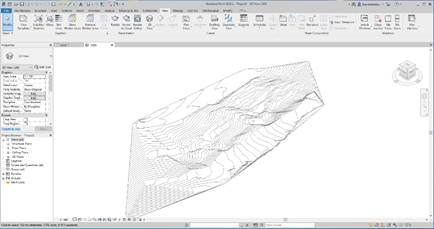
The conversion of LandXML files to Revit cannot be done directly with the same application, for which we need the reinforcement of one of its add-ons, which is free for registered users. This is the Site Designer module, which provides Revit with powerful tools for creating and editing new topographic elements.
Site Designer Add-on Tools
Once the Site Designer application is installed from the Autodesk App Store, the procedure to obtain a topographic surface is extremely quick, all we need to do is to execute the LandXML import command and select our file. The conversion and calculation of the surface time will depend on the size of this file and whether or not it contains other additional elements such as alignments.

 TcpMDT