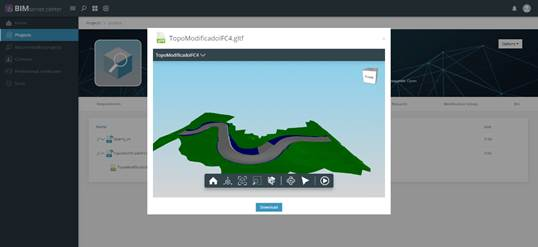
In order to export an IFC file from MDT to “BIMserver.center”, we first select the file and then create a GLTF file (3D modeling) from this file and link the IFC file to the GLTF. We are then asked to select the GLTF file located in the same path as the IFC, but in a folder with the name of the IFC and finally copied to the local project folder. The local folder is synchronized with the server, meaning all the changes to the folder made will also appear on the website.
The 3D model (gltf file) corresponding to the IFC file we have uploaded to the server can be viewed from the website.

 TcpMDT - Help