This tool provides you with a quick way to calculate the volume of the different stockpiles of land that you may have on a surface.
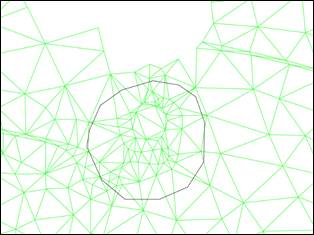
To do this, first of all, you need to create a closed polyline that contains the stockpile of land that you want to calculate, this polyline, which you must draw previously, must go through the base of the ground stockpile.
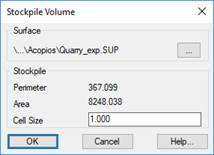
Initially, the command will ask for the polyline to show the following dialogue box with basic information about it.
Surface: surface with which the calculation will be performed.
Perimeter: Perimeter of the selected polyline.
Area: Surface of the selected polyline.
Cell Size: Value of the cell size to calculate the volumes.
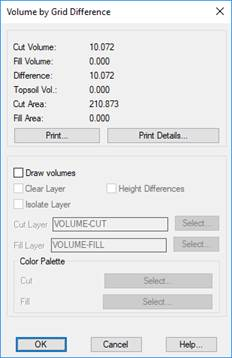
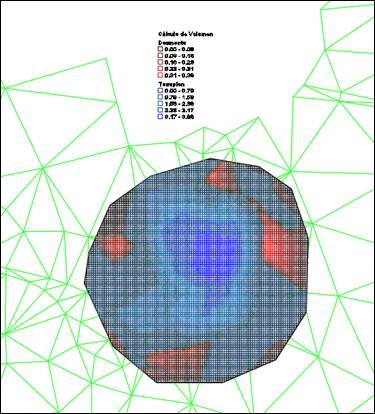
When accepting the dialogue box, the result of the volume calculation appears, similar to the one shown in the meshes or surfaces calculation, giving you the option of drawing the result.

 TcpMDT