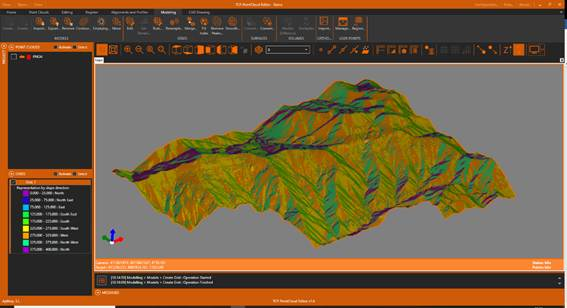

2.7. Elevation, slopes and orientations maps
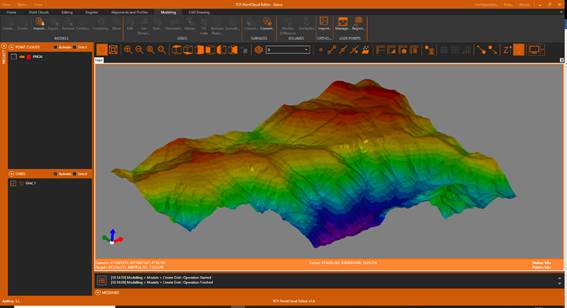
1. In the table of contents, select the grid, right-click and choose the Representation option. In the dialog, choose By Elevation and press OK.
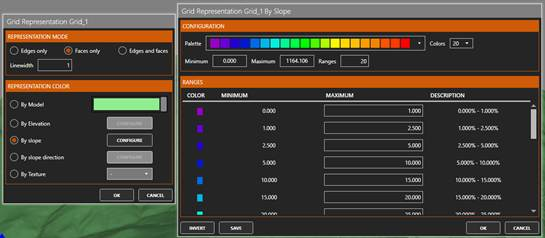
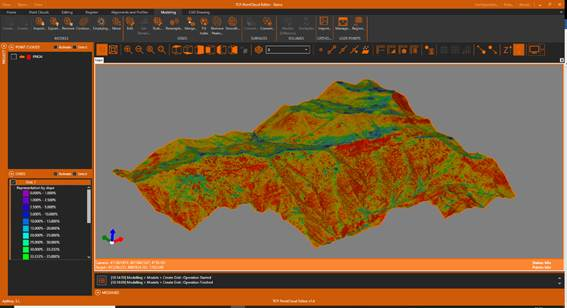
2. Again, select the grid and click on Representation. In the dialog, choose By slope and press CONFIGURE. OK the proposed ranges and OK.
3. Repeat the process and select the By slope direction option. In the table of contents, expand the legend to make visible the orientations: North, South, East, West, etc.