When this command is executed, a complete report of the areas contained in a specific segment is displayed.
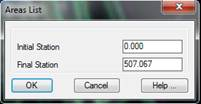
MDT initially requests a segment (see Definition of Segments in the Horizontal Alignments section) and then requests the initial and final stations that will delimit the list.
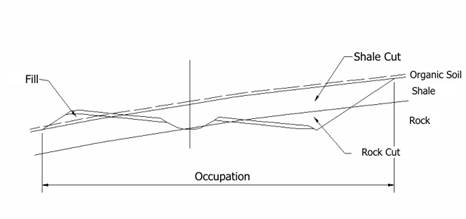
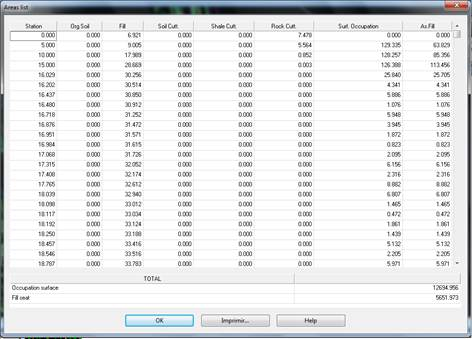
Finally, a dialog box is displayed containing a report for organic soil, cutting, fill and occupation surfaces for each station. The cutting is in turn divided into soil, transit and rock. The sum of these latter three surfaces will be equal to the total cutting surface.
The definition of the soil, transit and rock thickness values is done through the Assignment of Templates to Alignment command, more specifically using the Assignment of Geology section, where the thickness of each is set. The sum of the three will be equal to the total cutting surface.
Occupation surface is the width of the section developed multiplied by the difference between the current and the previous section.
The window where the list is displayed appears below.
At the end of the list it shows the Occupation area and the Fill seat.
Print: Sends the list’s contents to the system printer. It can also be sent to an ASCII file.

 TcpMDT