

19.17.1. Vertices
With this option you can see the information of all vertices of the building.
Among other data, the length of each side is shown, as well as the coordinates of each vertex.
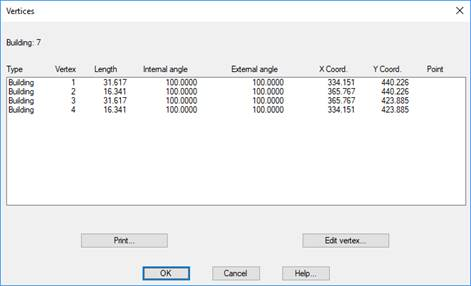
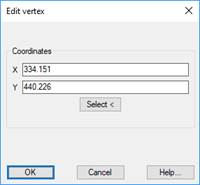
With the Edit vertex button, you can edit any vertex of the building as well as change its coordinates. Activating the dialogue box, if the coordinates of a vertex have been changed, the building will be updated with its new coordinates.
|
Copy Buildings
|
This tool will allow us to copy the properties of one building to another previously defined. Initially it asks us for the building from which to copy the properties and then the building in which they will be copied.
All properties are copied but Name, Reference, and Area.
|
|