

19.7. Create from drawing |
This command is useful for converting a set of closed polylines to MDT plots, with the option to give each plot a name defined by an inner text.
The following dialog is displayed:

Text height: Like the previous commands, it refers to the height for the texts to be labeled in the drawing.
Plots: Pressing the Select button allows you to choose or designate the layer in which the polylines to be converted are drawn, which must be closed.
Plot Name: By pressing the Select button you can choose or designate the layer in which the names of each plot are drawn as texts and located within its outline. if this layer is not specified a correlative name is assigned according to the order of the drawing.
Plot Reference: It allows us, optionally, to indicate the layer in which the texts related to the cadastral reference of the plot are located. It will be assigned, if it exists, to the Reference property of the plot.
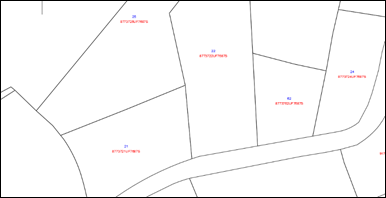
Once converted, the new plots will be created.
|
|